
To access the Client Area, go to the login page and enter your email and password.
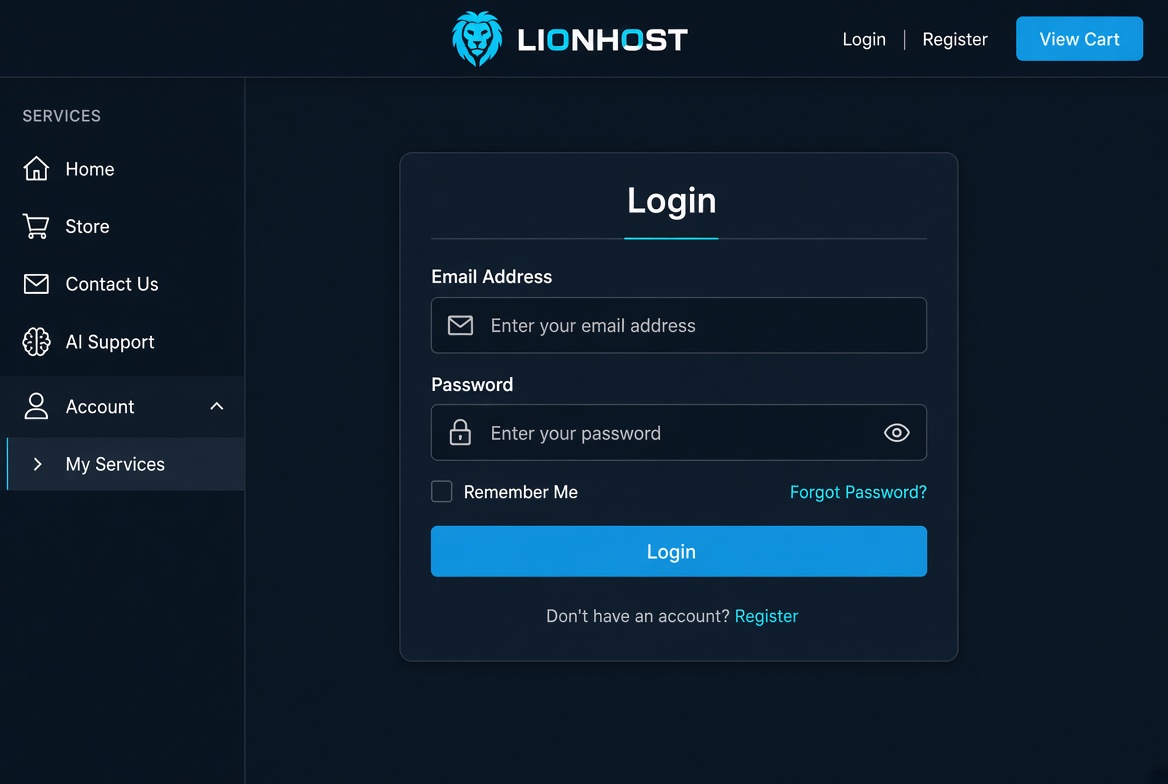
Steps:
- Visit the Client Area login page.
- Enter your email address and password.
- Click Login.
- If you forgot your password, use the Forgot Password? link.
After login you will see your Dashboard with an overview of services, domains and invoices.
