
You can change your Client Area password at any time to keep your account secure.
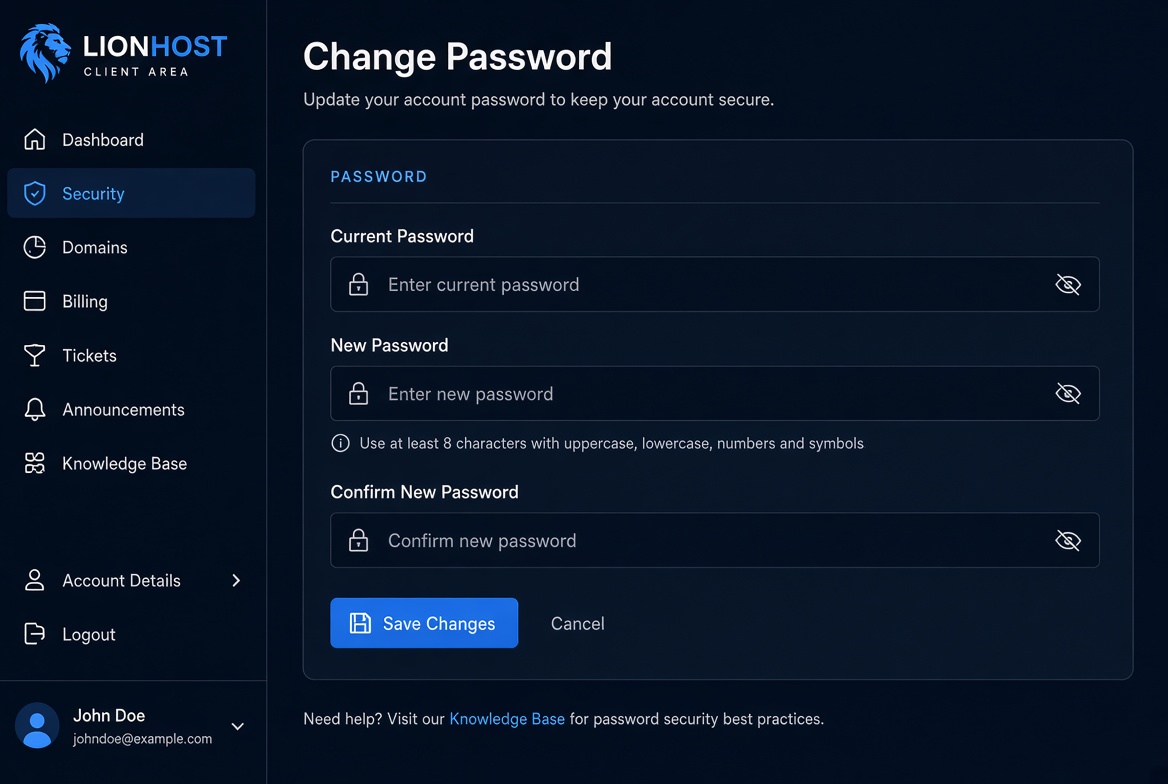
From the Account menu select Change Password. Enter your current password, then type the new password twice to confirm.
We recommend using a strong password with at least 8 characters, including uppercase letters, numbers and symbols. After you click Save Changes the new password becomes active immediately.
If you forget your password use the Forgot Password link on the login page to reset it via email.
