
The Dashboard is the main page after you log in. It shows a quick overview of your account.
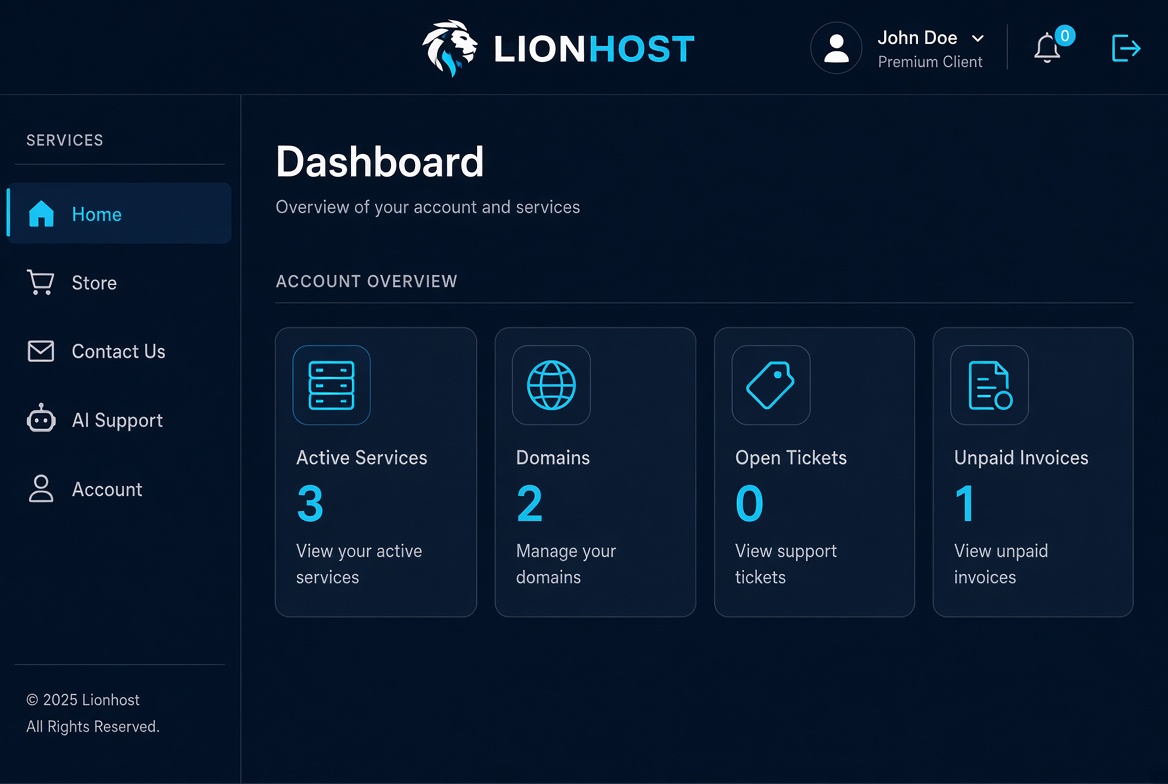
- Active Services — number of active products
- Domains — registered domains
- Open Tickets — support requests
- Unpaid Invoices — invoices that need payment
Use the left sidebar to navigate to Services, Domains, Billing and Support.
