
In the Client Area you can view and manage all the products and services you have ordered.
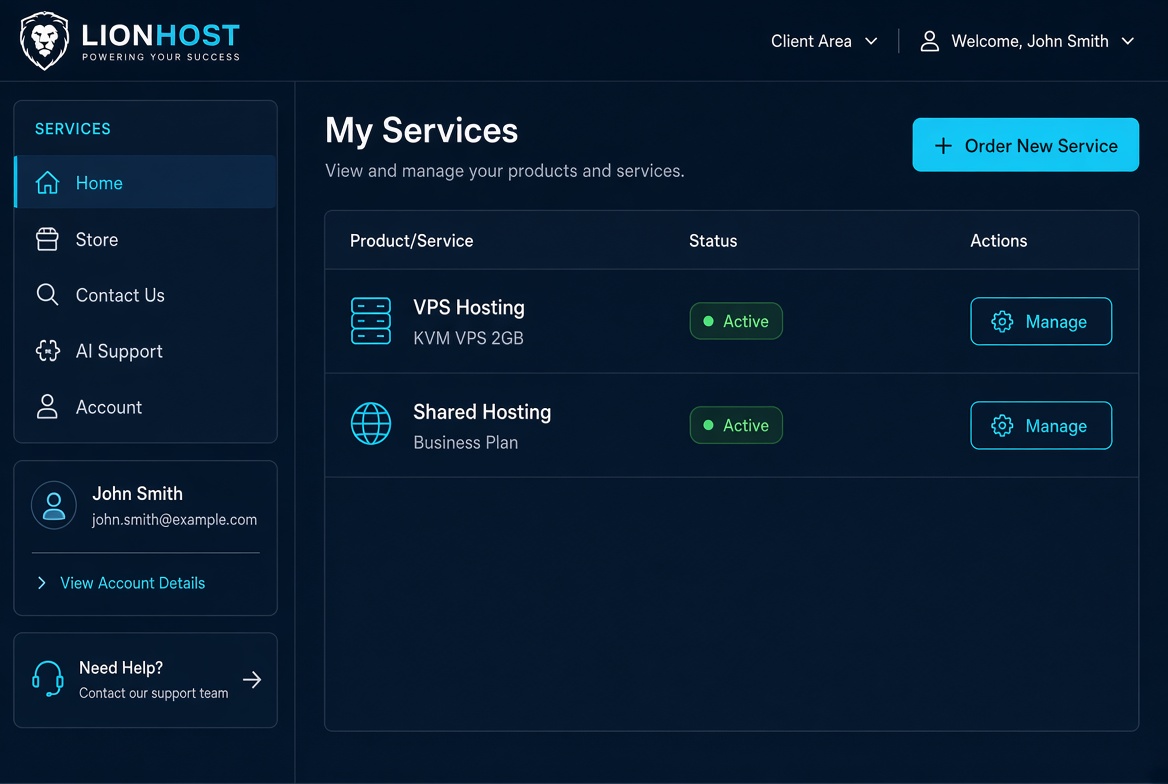
The My Services page shows a list of every active and suspended product. For each service you will see the product name, current status and a Manage button.
Clicking Manage opens the service details page where you can:
- View login details, IP addresses and usage
- Change the service password
- Request a cancellation or upgrade
- Access control panels (cPanel, VPS panel, etc.)
If a service is about to expire you will also see the renewal date and a Renew button. Keeping your services active ensures uninterrupted access to your websites and servers.
