
You can open and manage support tickets directly from the Client Area.
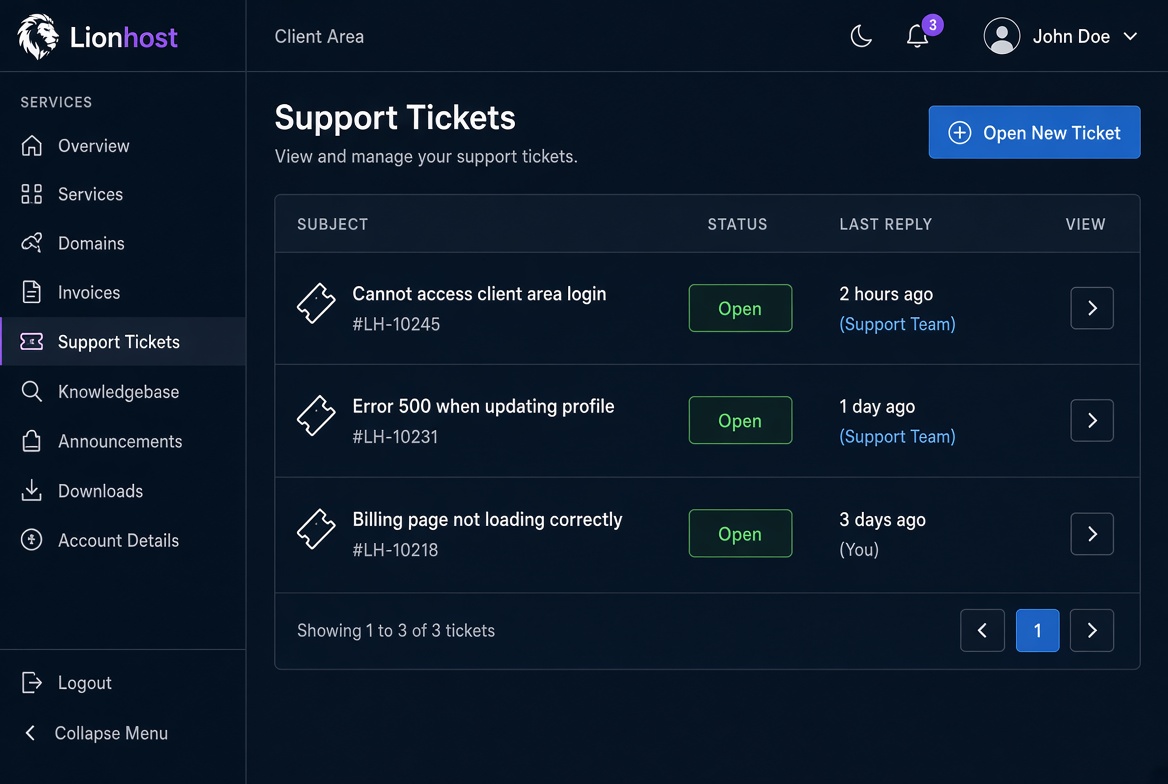
Go to Support Tickets in the sidebar. You will see all your open and closed tickets with their subject, status and the time of the last reply.
To open a new ticket click the Open New Ticket button, choose a department, write a clear subject and describe your issue. You can also attach files if needed.
Once a ticket is open you can reply at any time. Our team will answer as soon as possible. Check the ticket regularly for updates and additional information we may request.
