
Keep your account details up to date so we can contact you and generate correct invoices.
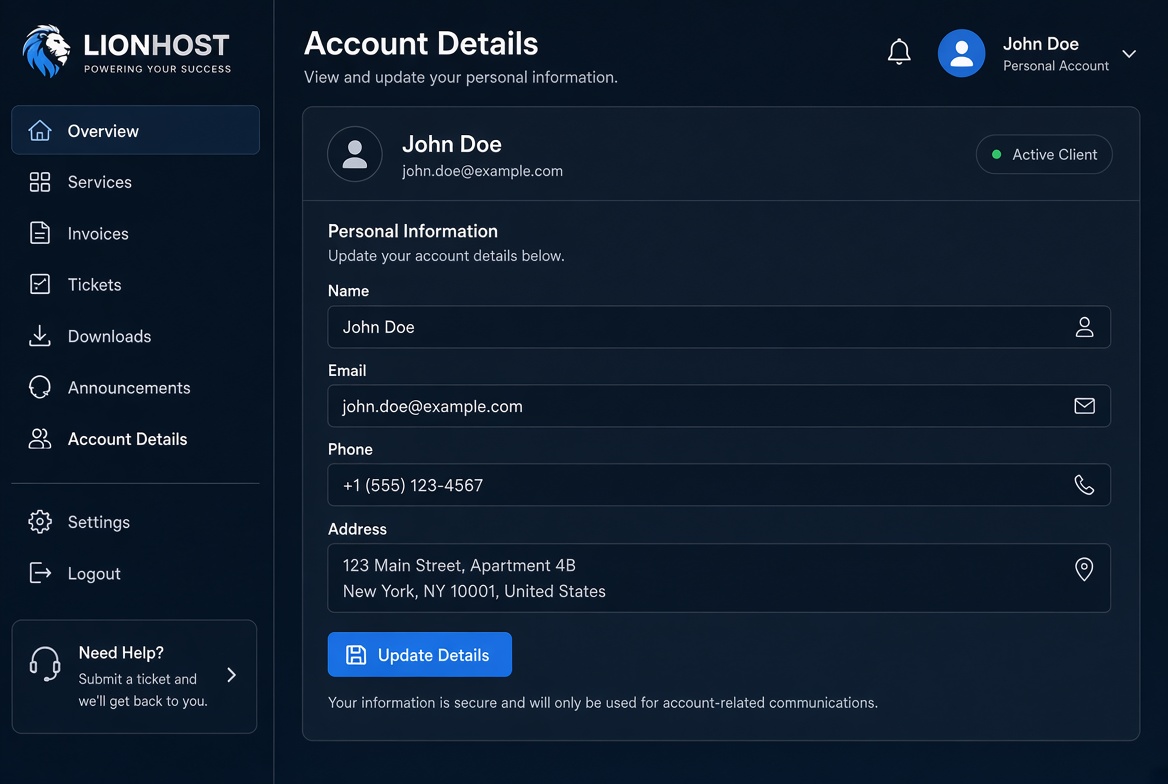
Open Account Details from the sidebar. You can update your name, email address, phone number and billing address.
After making changes click Update Details. The new information is saved immediately and will be used for future invoices and support communications.
Changing your email address will also change the login email for the Client Area.
