
Set Reverse DNS (PTR) for your Failover IPs from the Client Area.
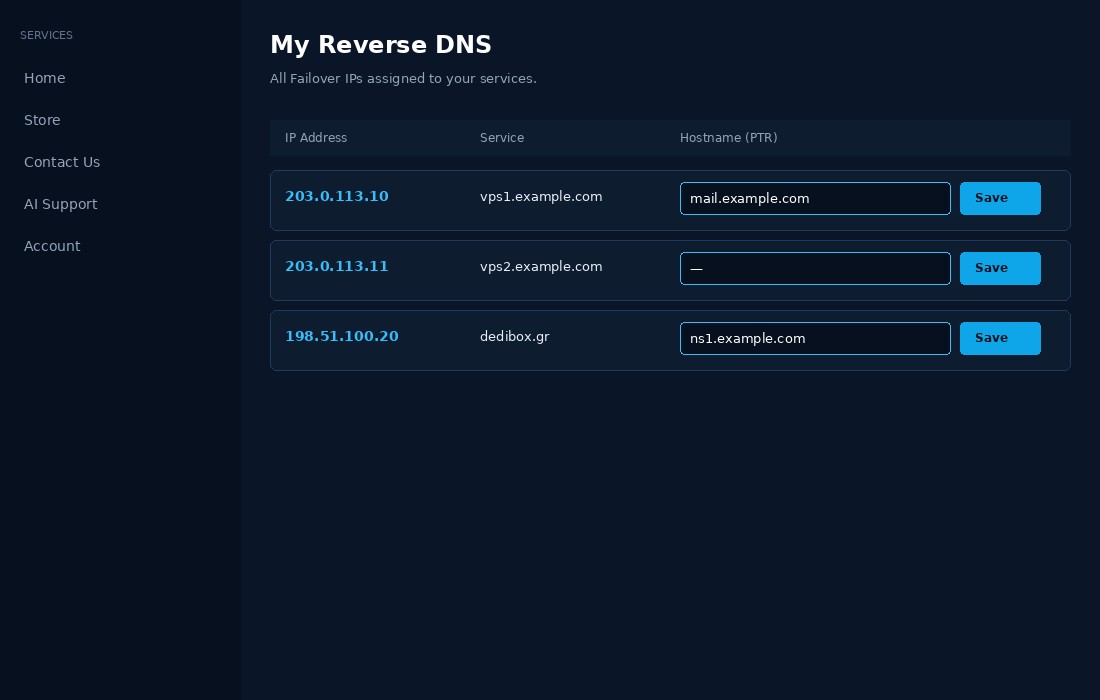
How to set RDNS:
- Go to the Client Area and open My Reverse DNS (or the RDNS section).
- Find the IP address you want to update.
- Enter the hostname in the field (e.g.
mail.example.com). - Click Save.
Important: An A record for that hostname must already point to the IP address before you set the PTR.
You can also use the Bulk update box to set many IPs at once (one per line: hostname IP or IP,hostname).
