How to list and manage accounts in WHM
View and manage all cPanel accounts on the server.
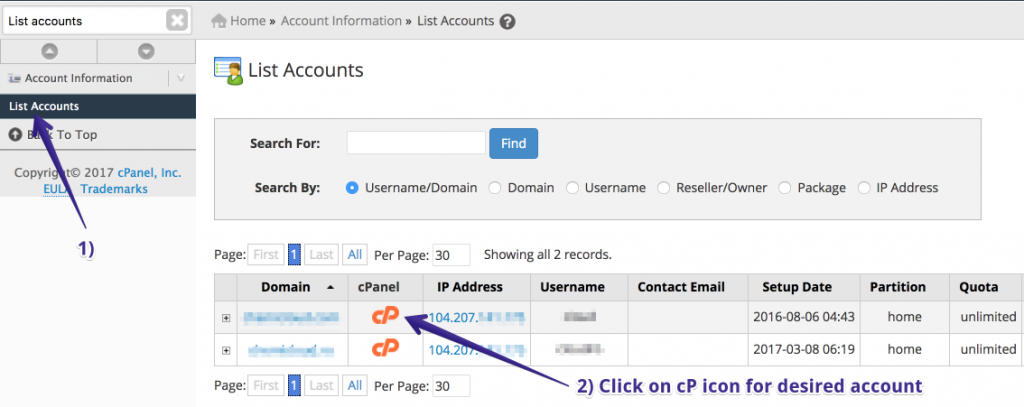
- Go to Account Information → List Accounts.
- Use the search to find a domain or username.
- Click the cP icon to log in to that account’s cPanel.
- Use the actions menu for Suspend, Terminate, Change Password, etc.