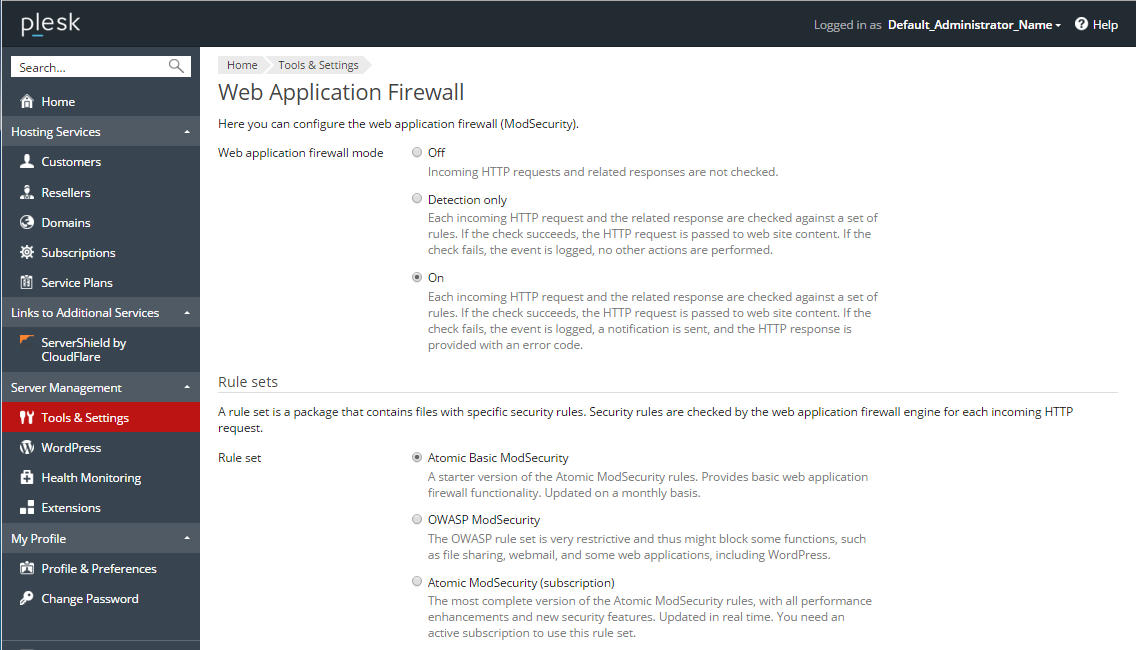
How to configure Web Application Firewall in Plesk
- Go to Tools & Settings → Web Application Firewall (admin) or domain security settings.
- Choose mode: Off, Detection only, or On.
- Select the rule set (Atomic Basic, OWASP, Atomic full).
- Apply the settings.