
Reset the root password
If you forgot your root password, you can set a new one from the panel. Only the password changes: your files and data are not touched.
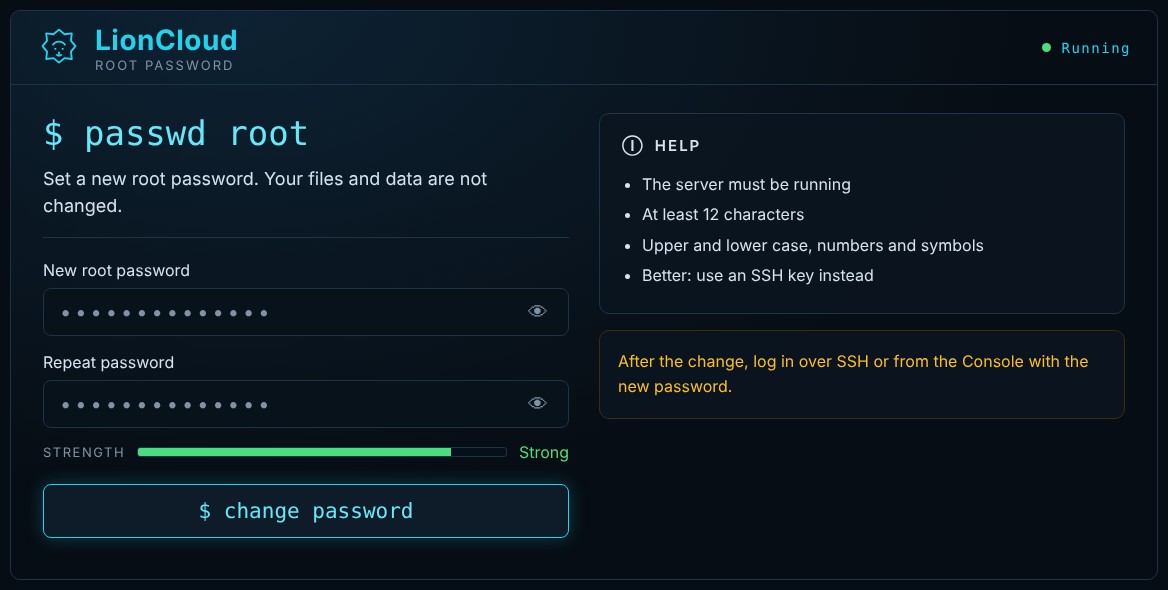
- Make sure the server is running. If not, click
$ startfirst. - Open the VPS and go to Advanced → Root password.
- Enter the new password in New root password and again in Repeat password, then click
$ change password. - Connect over SSH or through the Console as
rootwith the new password.
Tip: use a strong password (at least 12 characters with upper and lower case letters, numbers and symbols). Even better, use an SSH key.
If the reset fails, for example because the server does not respond, use Rescue mode or open a ticket.
