WINDOWS VPS · RDP

Windows VPS with full RDP

Windows Server with Remote Desktop. Built for .NET, MSSQL and Windows applications.

Configure Windows VPS →
Windows VPS

Overview

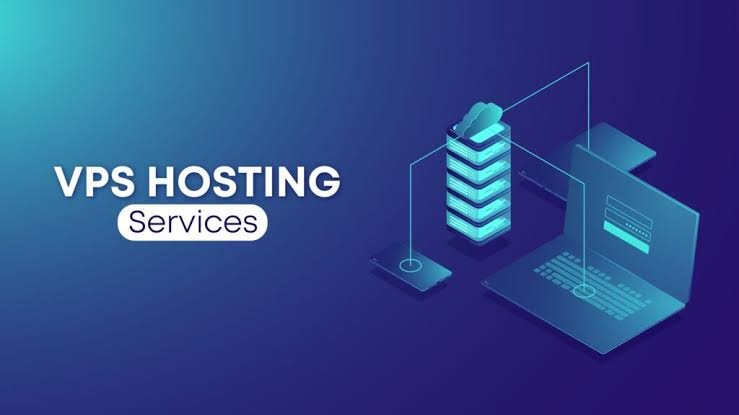
Windows VPS gives you a virtual server with Windows and Remote Desktop (RDP). Ideal when you need a Microsoft environment, GUI management or applications that do not run well on Linux.

Features

Full RDP

Connect like a normal Windows PC.

Windows Server

Environment for Microsoft workloads.

.NET / MSSQL

Suitable for business applications.

Dedicated resources

CPU/RAM for stable performance.

Europe

DCs with good latency.

Support

Support when you need help.

Who is it for?

Companies and developers on a Windows/.NET stack, remote desktops, and apps that require Windows Server.

Windows VPS for teams and apps across Europe

When your business depends on Microsoft software, you need a reliable Windows Server reachable from anywhere. Lionhost Windows VPS runs in European data centers with dedicated resources and Remote Desktop access.

Your team connects from the office, from home or on the road and finds its apps and files exactly as they left them.

Typical scenarios

WHY LIONHOST

European infrastructure, minus the usual compromises

One provider for all of Europe: fast servers, data kept inside the EU and support that understands what you are asking.

🇪🇺

Your data stays in the EU

Every server sits in a data center inside the European Union — Germany, France and the Netherlands.

🚀

Speed built in

LiteSpeed web server and NVMe storage on hosting plans, for a fast TTFB across the continent.

🗣️

Support in English & Greek

Engineers, not chatbots. Write to us any hour, any day.

🔁

Migration at no cost

We handle the move from your current host, so switching is painless.

🧭

One account for everything

Hosting, VPS, servers and domains in the same Client Area, with unified billing in euro.

🛡️

99.9% uptime target

Round-the-clock monitoring and infrastructure designed for stability.

GET STARTED

Windows in the cloud, in four steps

1

Choose resources

CPU, RAM and disk.

2

Order

Through the Client Area.

3

RDP details

In your inbox once it is ready.

4

Connect

From any device.

FAQ

Frequently asked questions

What is RDP?

Remote Desktop Protocol — graphical remote access to the server.

Can I install my own software?

Yes, within Windows licensing and plan resource limits.

Linux or Windows VPS?

Linux for most open-source stacks; Windows for the Microsoft ecosystem.

How do I order?

Via WHMCS from the button on this page.

How secure is RDP?

We recommend strong passwords, changing the default port or restricting access by IP. Support can guide you.

Can I upgrade resources?

Yes, you can move to a larger plan when you need to.

Configure Windows VPS →