
Auto-Renew keeps your domains and services active without manual intervention.
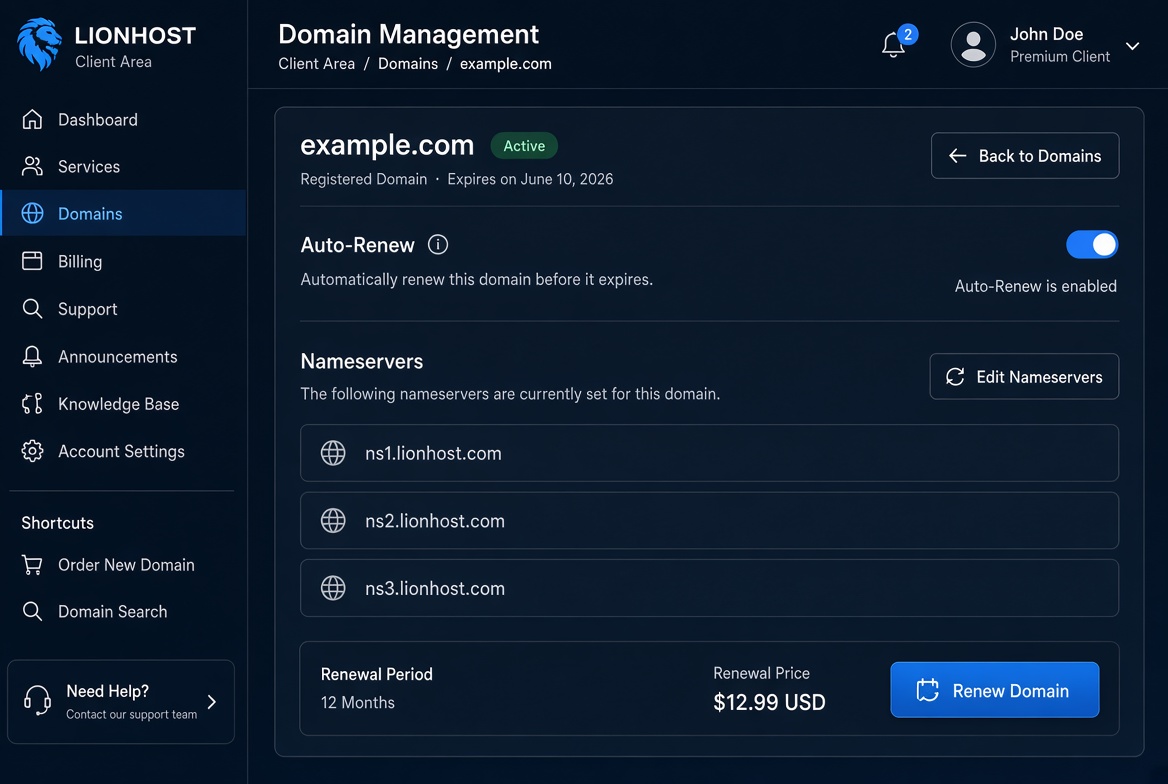
Open the domain or service details page. You will find an Auto-Renew toggle. When it is enabled the system will automatically generate and attempt to pay the renewal invoice before the expiry date.
Make sure you have a valid payment method saved or sufficient credit balance. You can turn Auto-Renew off at any time if you prefer to renew manually.
You will still receive email reminders before the renewal takes place.
