Three ways: client area → Login to cPanel; https://your-domain:2083; welcome email username/password.
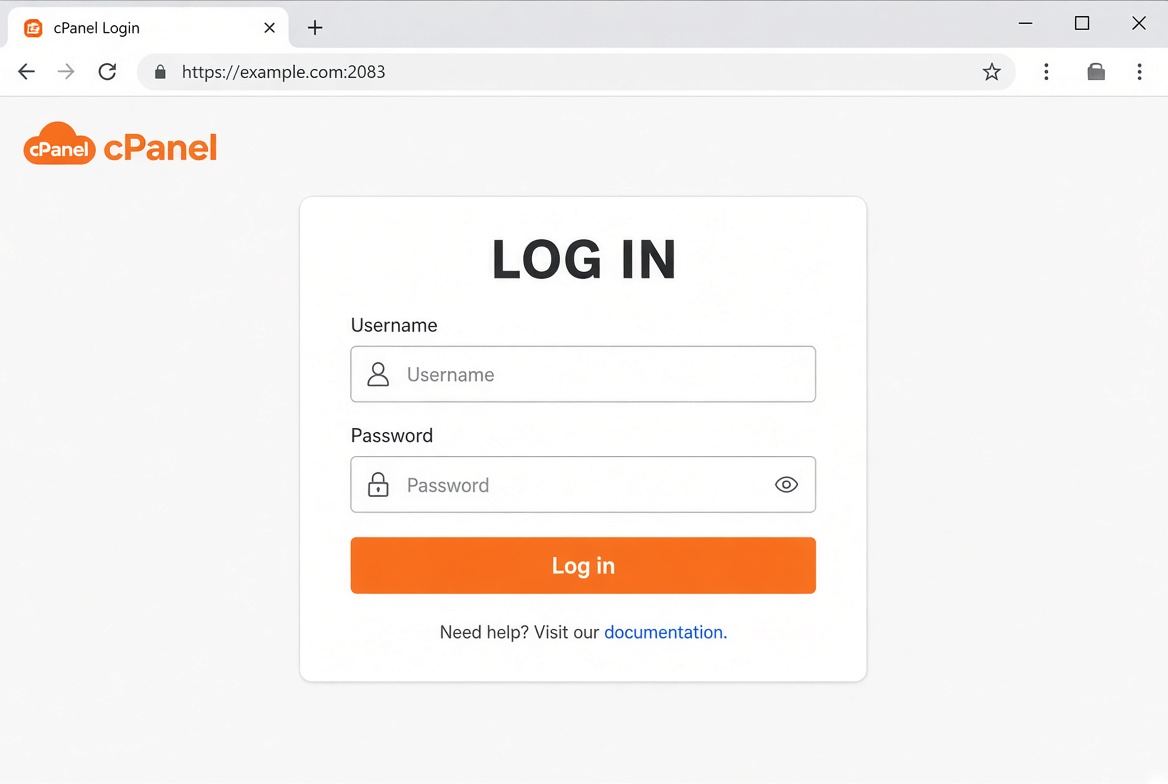
If port 2083 is blocked on your network, try mobile data. Persistent blocks may be Lion Server Firewall — send your public IP in a ticket.
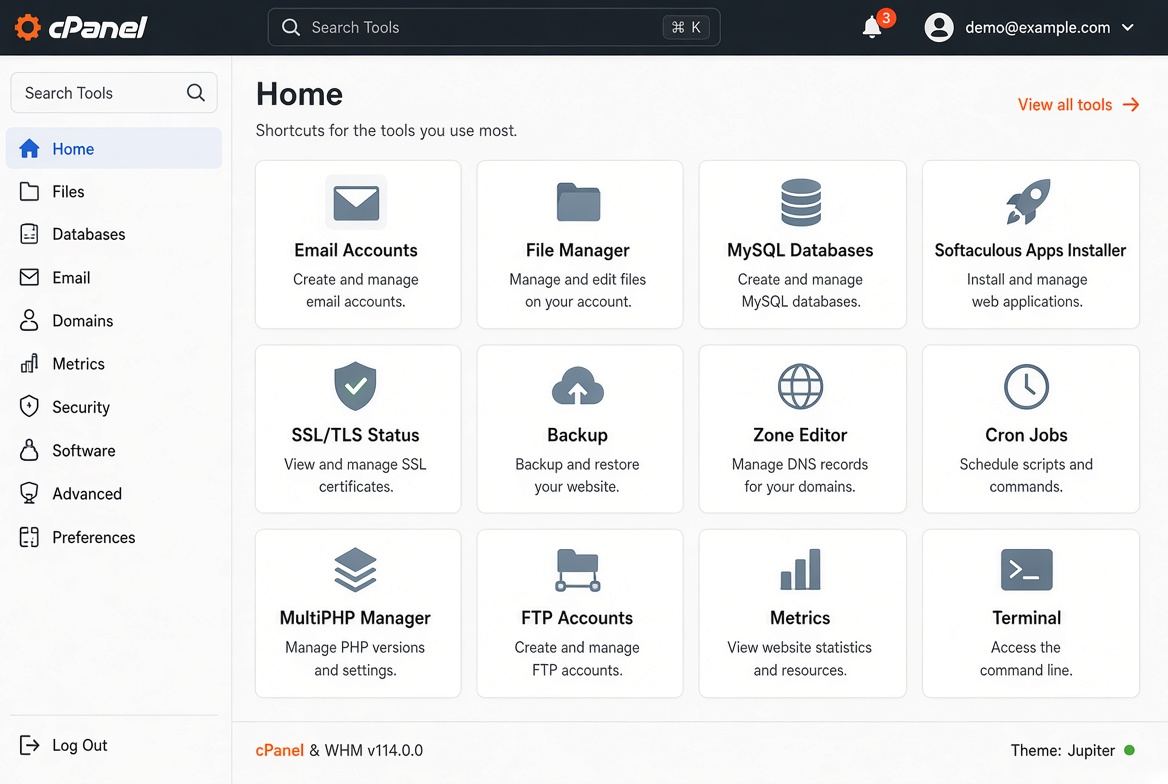

Three ways: client area → Login to cPanel; https://your-domain:2083; welcome email username/password.
If port 2083 is blocked on your network, try mobile data. Persistent blocks may be Lion Server Firewall — send your public IP in a ticket.
cPanel → Two-Factor Authentication. Scan the QR, store backup codes. Lost phone: ticket to...
On HTTP 500 check cPanel Errors and public_html/error_log. 508 / Resource Limit Reached means the...
If the plan includes SSH: cPanel Terminal or SSH port 22 as the cPanel user. Resellers enable...
cPanel Redirects for 301s. Force HTTPS under Domains → Manage. Avoid stacking WordPress, cPanel...
cPanel → Email Deliverability. Enable SPF and DKIM. If DNS is external, copy the TXT records...
Copyright © 2026 Lionhost Premium Services. All Rights Reserved.
Reliable hosting with human support, wherever your business is headed.
Copyright © 2026 Lionhost Premium Services. All Rights Reserved.
New products, freebies, and news — straight to your inbox.
Reliable hosting with human support, wherever your business is headed.
Copyright © 2026 Lionhost Premium Services. All Rights Reserved.
